PicoCTF Web Expoitation Writeup | Cookie Monster Secret Recipe | Easy | PicoCTF
easy ctf picoctf web easy-web easy-picoctf-web easy-picoctf picoctf-web
PicoCTF Web Expoitation Writeup | Cookie Monster Secret Recipe | Easy | PicoCTF
Originally posted on my Medium page.
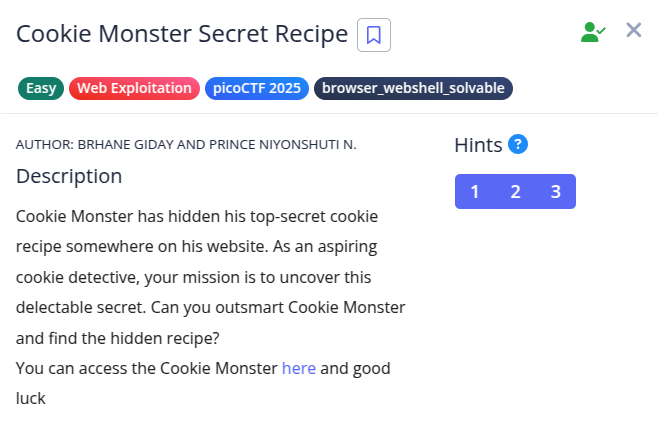
In this challenge, we’re tasked with finding Cookie Monster’s secret recipe hidden somewhere on his website. Let’s investigate and uncover the hidden flag!
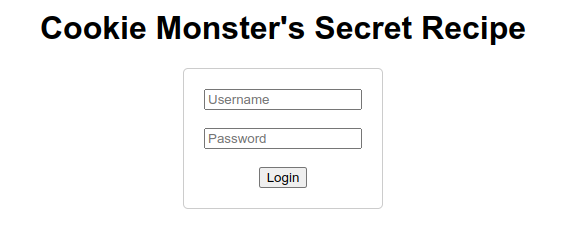
By clicking on the challenge link, we’re redirected to a website titled Cookie Monster’s Secret Recipe.
Since the challenge hints at a “cookie recipe,” it made sense to check if the website was using any actual cookies. Sometimes CTF challenges love hiding clues inside HTTP cookies, so let’s explore that possibility.
🔍 Inspecting the Webpage:
Open the browser’s developer tools by pressing Ctrl + Shift + I (or right-click → Inspect).
Now, navigate to the Application tab → Cookies section.

And there it is — we spot a cookie value:
cGljb0NURntjMDBrMWVfbTBuc3Rlcl9sMHZlc19jMDBraWVzXzc3MUQ1RUIwfQ%3D%3D
🍳 Decoding the Cookie:
Notice the %3D at the end? That’s a URL-encoded = sign. This indicates the entire string might be URL-encoded.
Step 1: Use CyberChef — an awesome tool for encoding/decoding.
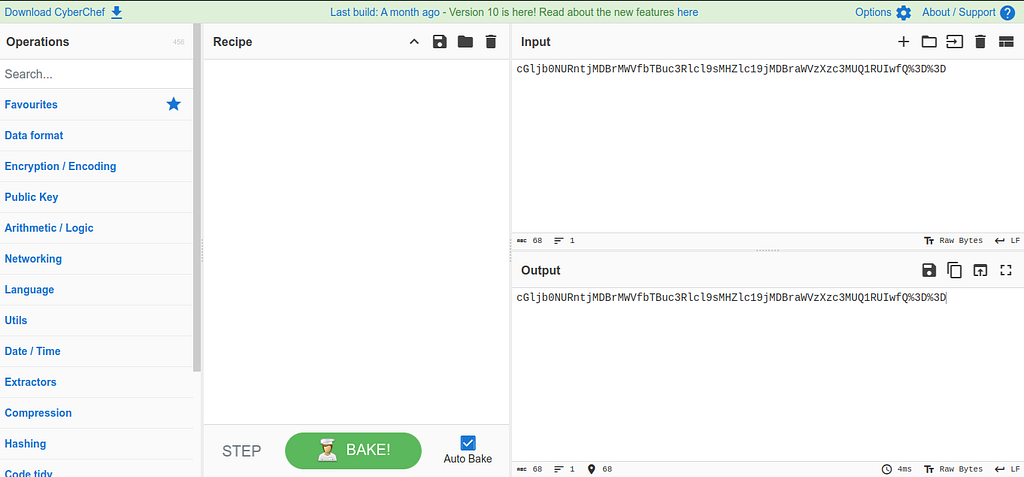
- Search for URL Decode in the operations tab and drag it into the recipe section.
- Paste the cookie value in the input box.
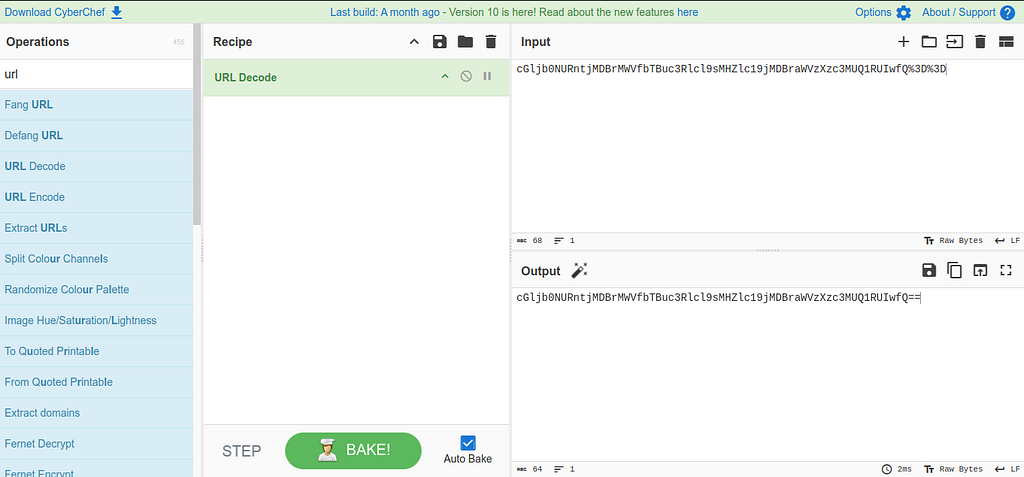
Now we get: cGljb0NURntjMDBrMWVfbTBuc3Rlcl9sMHZlc19jMDBraWVzXzc3MUQ1RUIwfQ==
Step 2: Notice the == at the end? That’s a classic hint for Base64 encoding.
- In CyberChef, search for From Base64 and drag it below the previous operation.
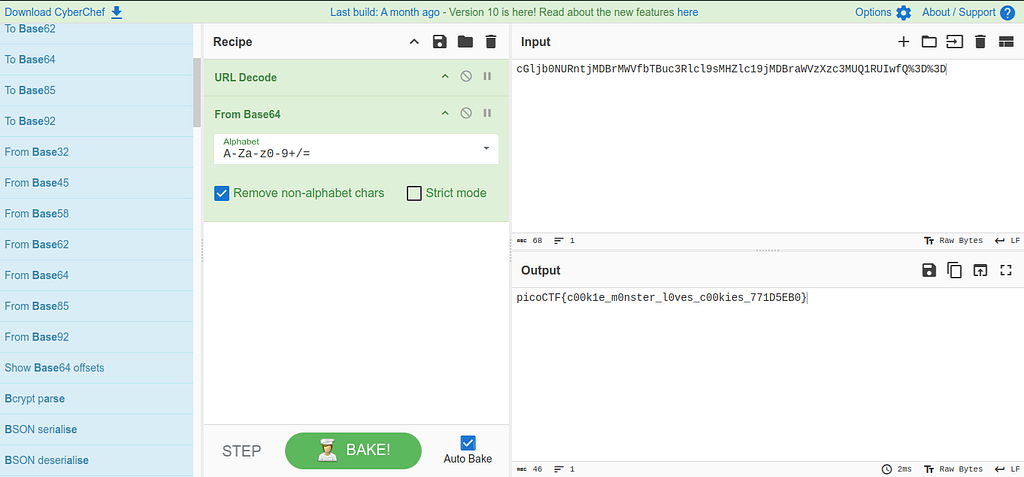
The output reveals our flag.
The flag is: picoCTF{c00k1e_m0nster_l0ves_c00kies_771D5EB0}
📖 Want more CTF and OSINT writeups like this? Check out my Medium page here.