PicoCTF Web Expoitation Writeup | WebDecode | Easy | PicoCTF
easy ctf picoctf web easy-web easy-picoctf-web easy-picoctf picoctf-web
PicoCTF Web Expoitation Writeup | WebDecode | Easy | PicoCTF
Originally posted on my Medium page.
In this challenge, we’re asked to put our web inspection skills to the test. The goal is to explore the website using the browser’s developer tools and uncover the hidden flag. Let’s dive in and see what we can find!
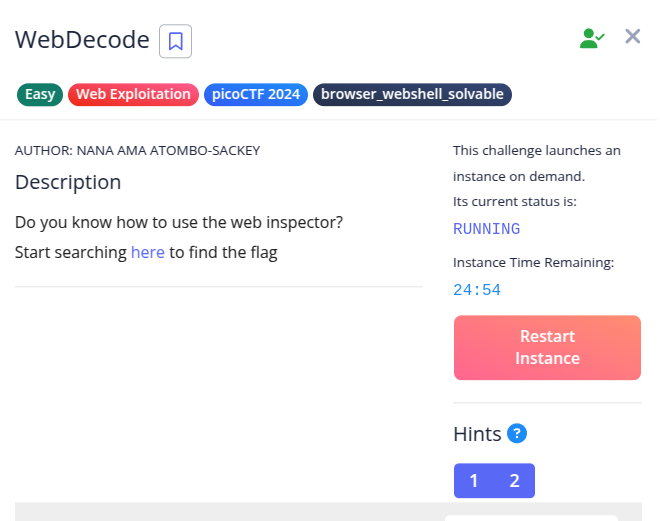
After launching the challenge instance, we’re given a link to check out. By clicking on it, we get redirected to a simple website.
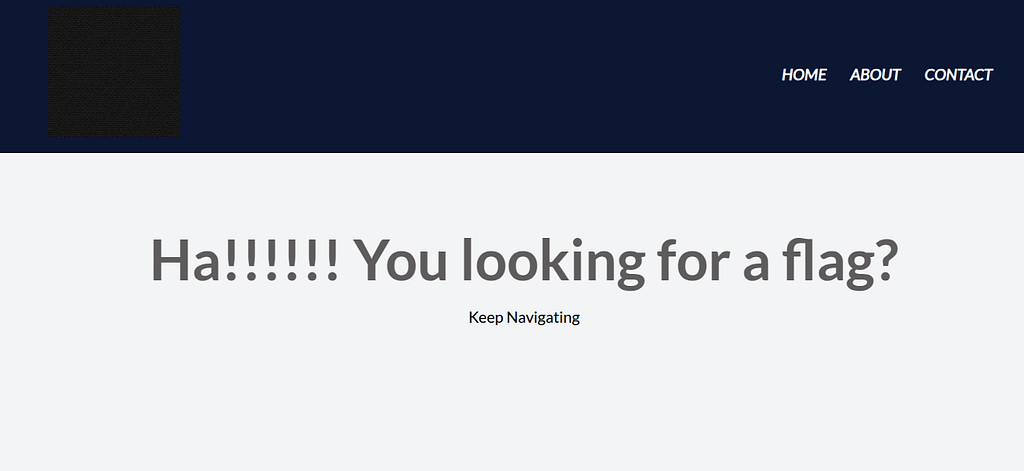
Step 1:
Let’s start by viewing the page’s source code — press Ctrl + U or right-click → View Page Source.
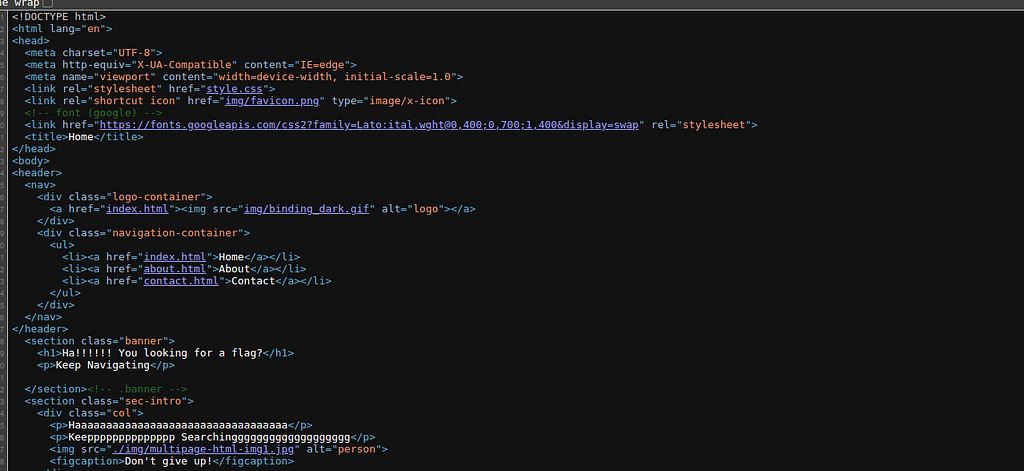
Here, we don’t see anything unusual except three links:
- index.html
- about.html
- contact.html
Since we’re already on index.html, let’s head over to about.html.
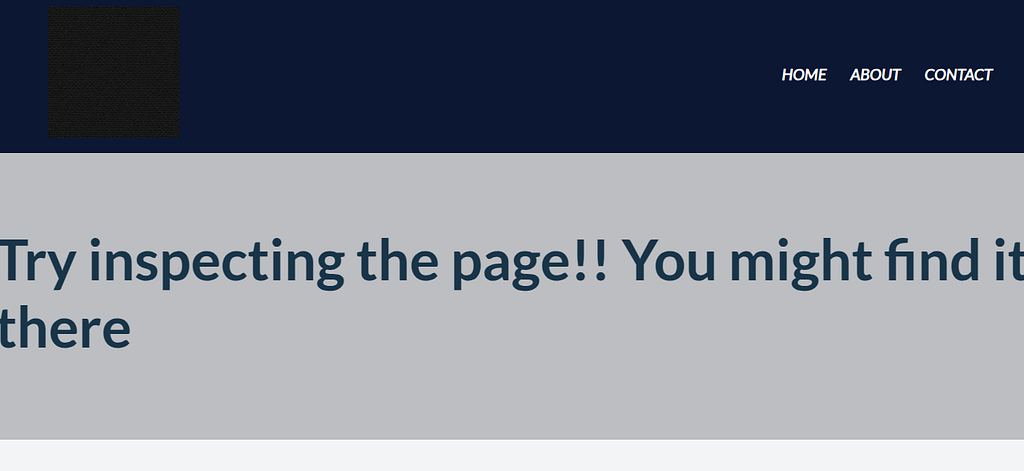
Step 2:
On the about.html page, we might be able to find something interesting.
Let’s inspect the page using Ctrl + Shift + I or right-click → Inspect.
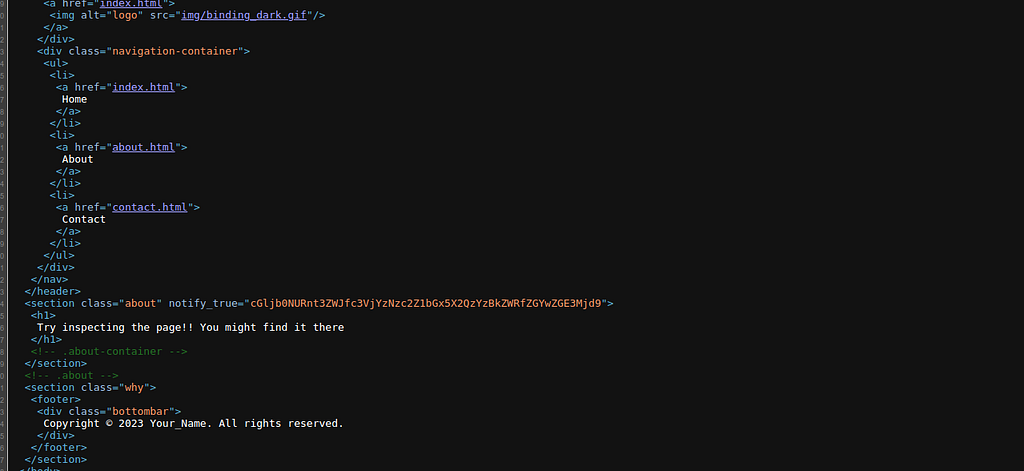
While checking, we find a suspicious-looking string: cGljb0NURnt3ZWJfc3VjYzNzc2Z1bGx5X2QzYzBkZWRfZGYwZGE3Mjd9
Step 3:
This string only contains letters and numbers, which is a strong sign it might be Base64 encoded.
Let’s head over to CyberChef to decode it:
- Open CyberChef
- Paste the string in the input box.
- Search for From Base64 and drag it into the recipe section.

Yay! This is base64 encoded and the decoded string is the flag!!
The flag is: picoCTF{web_succ3ssfully_d3c0ded_df0da727}
📖 Want more CTF and OSINT writeups like this? Check out my Medium page here.